
Why this choice matters more when your income isn't steady
If you're paid hourly, on gig fares, or on tips that change by the week, a budgeting app isn't a luxury — it's how you see what's actually coming in before the bills do. But the budgeting app market is crowded, and the difference between a free tier and a paid subscription isn't always clear until you're already signed up. If your income swings week to week, it also helps to budget with the 60/40 rule for variable income alongside whichever app you pick.
Here's the real breakdown for 2026, without the sales pitch.
What free actually gets you
Free tiers are more capable than they used to be. According to Forbes Advisor's 2026 rankings, several apps on the market now offer solid no-cost versions, though none offer a full suite of features without a paid subscription.
Rocket Money is widely considered the strongest free option right now. Its free tier covers account syncing, basic categorization and subscription tracking — the features most users actually need. If your main goal is seeing where your money goes and catching subscriptions you forgot about, the free version can do that job on its own.
EveryDollar, built around Dave Ramsey's zero-based method, also has a usable free tier. EveryDollar's free tier is also considered a strong pick by some reviewers, depending on your style. The catch: the free version is manual entry, so you type in transactions yourself instead of your bank doing it automatically.
Goodbudget works on the older envelope-budgeting idea — you portion your income into spending categories. But the free version doesn't connect to your bank accounts, and it allows one account, two devices and limited envelopes. If you need more than that, the paid version, Goodbudget Premium, allows unlimited envelopes and accounts, up to five devices and other perks. That upgrade runs $10 if you pay per month, or $80 if you pay per year, according to Goodbudget's current pricing page.
What paid tiers add — and what they cost
How much do popular paid budgeting apps cost?
The most well-known paid app is YNAB (You Need A Budget), built for hands-on, zero-based budgeting where every dollar gets a job. It has no permanent free tier, but you can try it first: According to YNAB's own pricing page, it costs $14.99 if you pay per month, or $109 if you pay annually, with a free 34-day trial. No change needed beyond what's already there — hedge is sufficient; optionally add "per YNAB's current student offer."
Other paid options land in a wide price range. Forbes Advisor's 2026 cost comparison shows PocketGuard at $74.99 a year or $12.99 a month after a 7-day free trial, Lunch Money at $60 to $150 a year or $10 a month after a 30-day free trial, and EveryDollar's paid tier at $0, $17.99 a month or $79.99 a year depending on plan, after a 14-day free trial.
What do you actually get for paying?
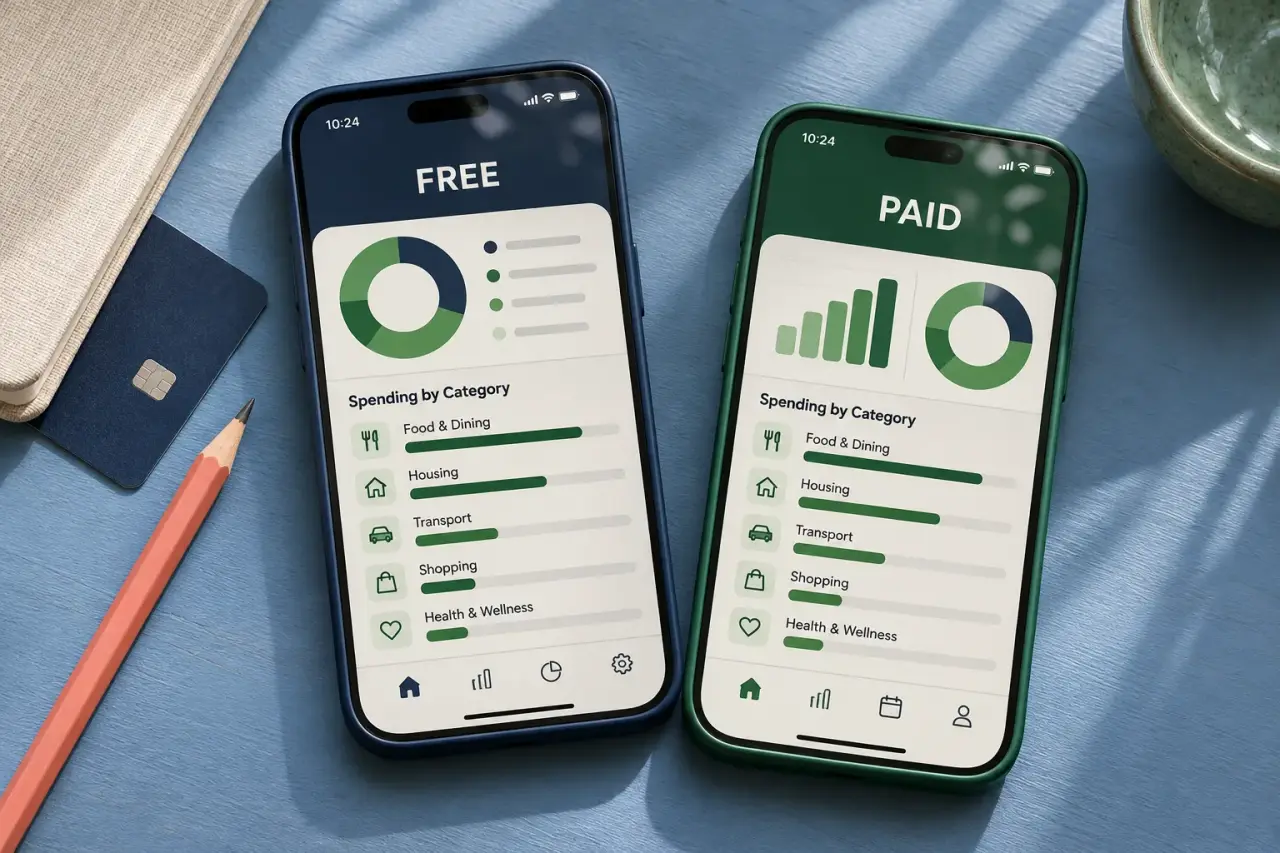
So what does paying actually buy you? Mostly three things: automatic bank syncing (instead of typing every purchase by hand), more accounts and devices, and extras like bill negotiation or debt payoff tracking. If you're already disciplined about logging your spending manually, you may never need to pay for any of that. For a sense of how subscription costs stack up against other money apps, see how cash advance app costs actually compare.
What actually matters if your paycheck isn't the same every week
For gig and hourly workers, the free-vs-paid question usually comes down to one thing: how your income shows up.
If you drive, deliver, or pick up shifts, your "paycheck" might land from three or four different apps in a single week. A budgeting app that auto-syncs multiple accounts saves real time over manually logging each deposit — which is where paid, automated tiers tend to earn their cost. On the other hand, if you're mostly tracking one bank account and a handful of bills, a free manual app like EveryDollar's no-cost tier, or Goodbudget's envelope system, can cover the basics without a monthly charge eating into money you're trying to save. Drivers in particular should also factor in budgeting for gas prices when you drive for work, since fuel costs can swing a weekly budget as much as the app you choose.
A simple way to decide: try the free tier of two or three apps for a full pay cycle before paying for anything. You'll find out fast whether you actually use the premium features, or whether the free version already does what you need.
The bottom line
No budgeting app — free or paid — replaces knowing your own numbers. The app just makes it easier to see them. Start free, upgrade only if you hit a real limit (not enough accounts, no bank sync, missing a feature you actually use), and remember that whatever these apps charge monthly or annually is itself a line item worth budgeting for.
If you're looking for a simple way to track spending and get paid faster without juggling five different apps, B9's cashback debit card and cash advance tools are built around exactly this kind of income — get eligible funds when you need them, tracked in one place.
App features, prices and trial terms change — confirm current details on each provider's own site before signing up.